Currently Empty: $0,00

CNC Simulator for Virtual Training
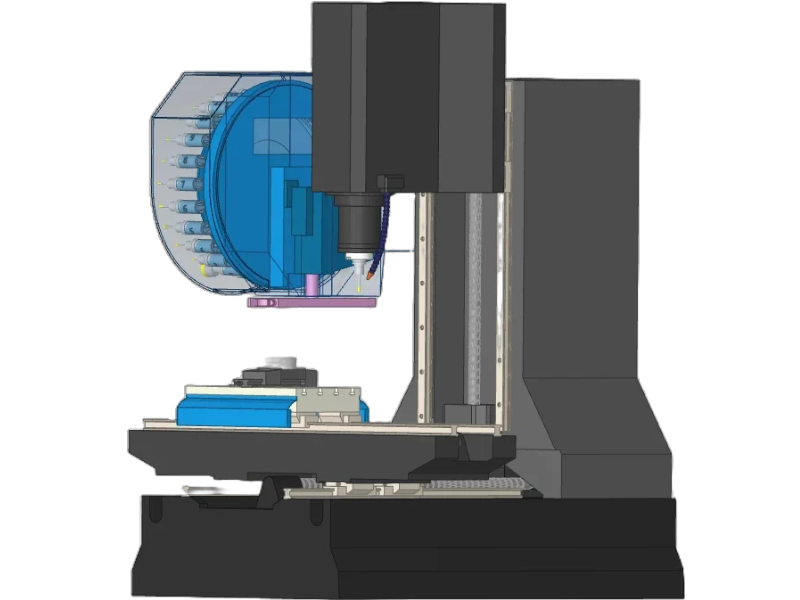
CNC Simulator delivers a realistic virtual machining environment for safe, accurate training and G-code testing. Designed for both beginners and professionals, it replicates real CNC milling and turning behavior, helps optimize toolpaths, prevents costly errors, and enhances productivity—without using actual machines or materials.

OVERVIEW
Description
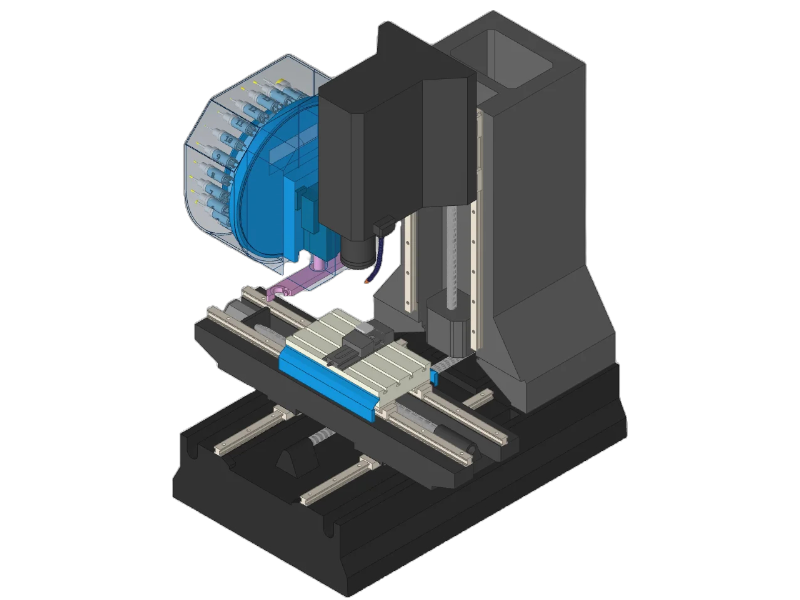
The CNC Simulator is a high-performance virtual machining platform. It is designed to replicate real CNC milling and turning operations with exceptional accuracy. Built for training, workflow optimization, and G-code validation, it provides a safe and cost-effective environment. This allows users to test toolpaths, machining parameters, and cutting strategies without risking machines, tools, or materials.
Featuring an intuitive interface, realistic machine kinematics, and fully customizable tool libraries, the CNC Simulator empowers both beginners and advanced machinists. They can sharpen their skills, reduce programming errors, and streamline production processes. The system offers real-time visualization, collision detection, and detailed machining analytics. It delivers a complete training and validation solution that mirrors real-world CNC environments.
Engineered to boost productivity, improve precision, and accelerate learning, the CNC Simulator helps users master CNC operations confidently. It also minimizes downtime and costly mistakes.
FEATURES
• Full machining simulation for milling and turning
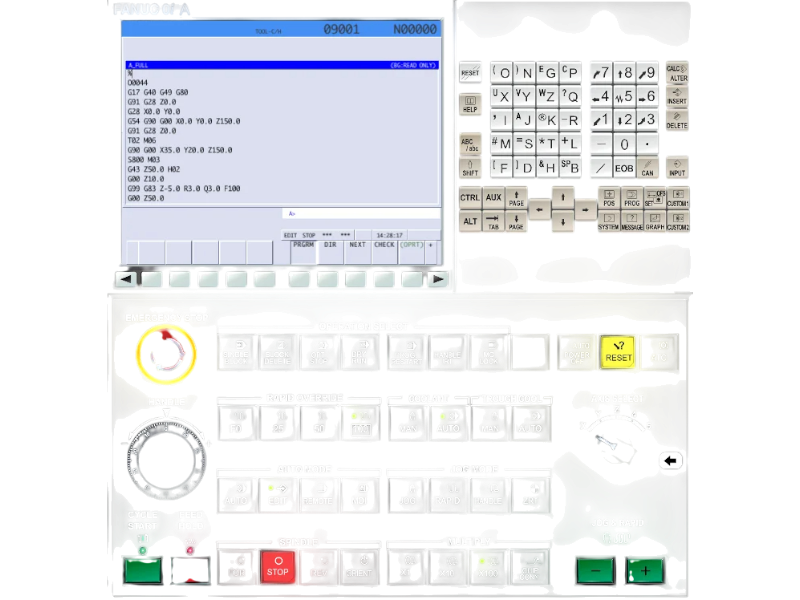
• Real-time G-code simulation and debugging
• Fanuc controller integration for true industrial experience
• Toolpath optimization for reduced time and material waste
• Comprehensive tool library with customizable dimensions
• Workpiece and origin setup (G54–G59)
• Real-time error detection and corrective guidance
• Technical drawing tools: 2D projections, measurements, coordinate display
SPECIFICATIONS
• High-fidelity 3D machining environment
• Adjustable machine parameters (speed, feed, depth, offsets)
• Tool customization: diameter, length, angles
• Workpiece configuration: coordinates, clamping depth, positioning
• Measurement tools: manual & automatic distance, radius, angle checks
• Multi-axis machining support
• Compatible with standard PC and monitor setups
APPLICATIONS
• CNC operator training and certification
• Vocational schools and technical education programs
• Industrial onboarding for milling and turning operations
• Manufacturing workflow optimization
• Safe G-code testing and validation before real machining
• Research & development of toolpaths and machining strategies
WHAT’S INCLUDED
• CNC Simulator software
• Milling and turning simulation modules
• G-code editor and real-time simulator
• Fanuc controller interface
• Tool library and customization system
• Workpiece setup and measurement tools
• Performance tracking and reporting system
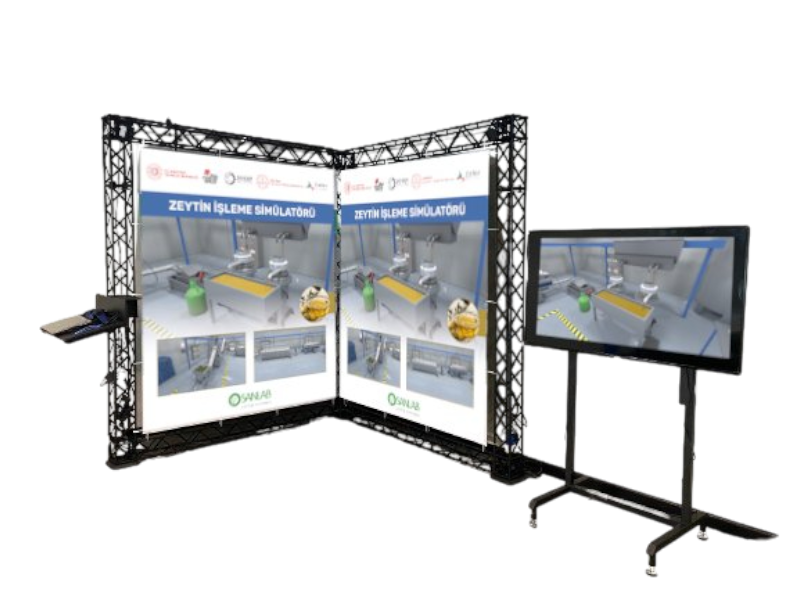
• Optional VR/AR compatibility (depending on package)